
How to Make Professional Posters and Flyers Online
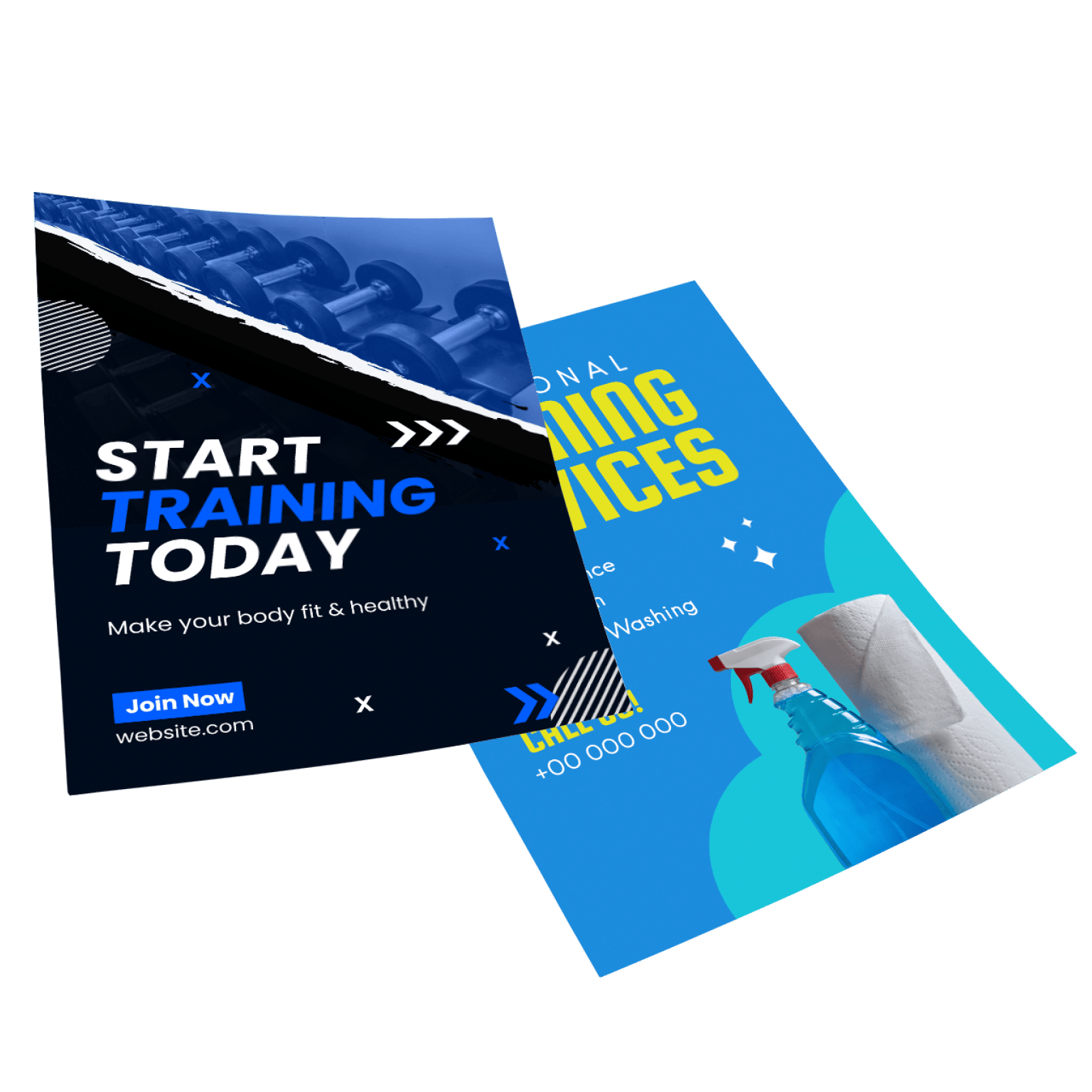
Creating posters and flyers is often a time-consuming and tedious job. That’s not a lie, in traditional poster-making, hours upon hours are spent on creating a professional design. However, thanks to modern AI-powered online digital tools, designing a flyer has never been easier! It does not matter if you have no prior experience, online design platforms do most of the design heavylifting for you.
In this article, we will share a step-by-step guide for easy flyer and poster creation. If you are looking to quickly create designs that grab attention and build anticipation, look no further.
- Choosing a User-Friendly and Template-Rich Online Design Platform
To stay on the safe side, it’s best to choose an online platform which offers a large gallery of templates so you can pick from an assortment of themed layouts. Doing this cuts your design work in half and all that’s left for you to do is insert your desired elements and utilise drag-and-drop editing tools to rearrange and layer them.
However, if you’re looking for unique and creative ways to spice up your posters, you can take advantage of AI design tools. Features such as an AI poster maker can make your job faster and more fun! Simply, enter a text prompt describing what you need in your flyer, and the tool will generate multiple options for you to choose from.
- Picking a Matching Template
It’s best to use templates that align themselves naturally with your event’s vision instead of starting from scratch. Picking the right template sets up the entire tone of your poster or flyer. Ask yourself the following questions to determine a clear and concise visual direction for your posters or flyers:
- Is the event formal or casual? Are the colours already chosen? (e.g: brand colours or event colours).
- Type in relevant terms in the search bar to narrow your template searches dramatically.
- Lastly, filter your layout size and choose the correct format for your poster.
- Customise Your Layout
Once your flyer or poster template is loaded onto the screen, it’s time to shape it around your event’s message and theme. Drag-and-drop editing makes this task much easier and here’s how to use it efficiently:
Firstly, organise your headline and make sure it is visibly bold to the viewer. The top-third of the page is the sweet spot for a memorable headline. Then, drag a text box and type in your secondary text such as time, date, venue, entry fee, and registration information. Make sure you do not scatter text around the canvas and clutter it, organised and well thought-out placement improves first glance readability.
Lastly, reposition images and adjust spacing between elements. If you want a polished and professional look, use a tool like PosterMyWall’s AI images to create high-quality photos to accompany your text.
- Match Colours and Fonts
There’s no point in displaying flyers if people aren’t going to instantly recognise your event and its messaging. Go for a thoughtful selection of colours and fonts, which line up with your event’s (or brand’s) colour palette. Select one bold font for the headline and a lighter font for the rest of the content body.
If you’re working with an event management company or a brand which frequently repurposes its marketing materials, features such as PosterMyWall’s brand kits have got you covered. You can easily save frequently used colours, logos, fonts, and palettes for future use.
- Select High-Quality Images
Nobody is going to read a poster or a flyer with cluttered and pixelated images. Use picture-sourcing features such as stock images, personal uploads, and AI-generated images. Stock images and AI images work best for when you don’t have any original photography on hand for advertising.
To make sure your image is clean and crisp, use an AI background remover. You can instantly turn a picture into an element and improve the poster’s overall readability.
- Write a Catchy Headline
Grabbing the audience’s attention is the trickiest part of designing a poster. Write a headline which encompasses what your event is about but keep it simple and catchy. A high-impact hook that has the event name in it, alongside a brief note about why the event is not worth missing, can produce a strong headline.
If you’re feeling stuck by the never-ending brainstorming, worry no more. Tools like AI copywriters are in-built in many platforms’ editors and can suggest captions and headlines with a single click.
- Export and Share
Once you’re satisfied with your overall poster design, it’s time to share and distribute. There are a few things to keep in mind when considering different format options:
- High-resolution PDFs or JPEG files work best for print posters
- You can turn your design into a social media post by resizing it and post digital posters across multiple social media platforms
- Some online design tools paywall features by putting a limit to the amount of designs you can save in HD in one go


